
DAW Beginner Course
Online Lessons for Starting Music Production
Features
01 Learn the Basics of Music Production Software Online!
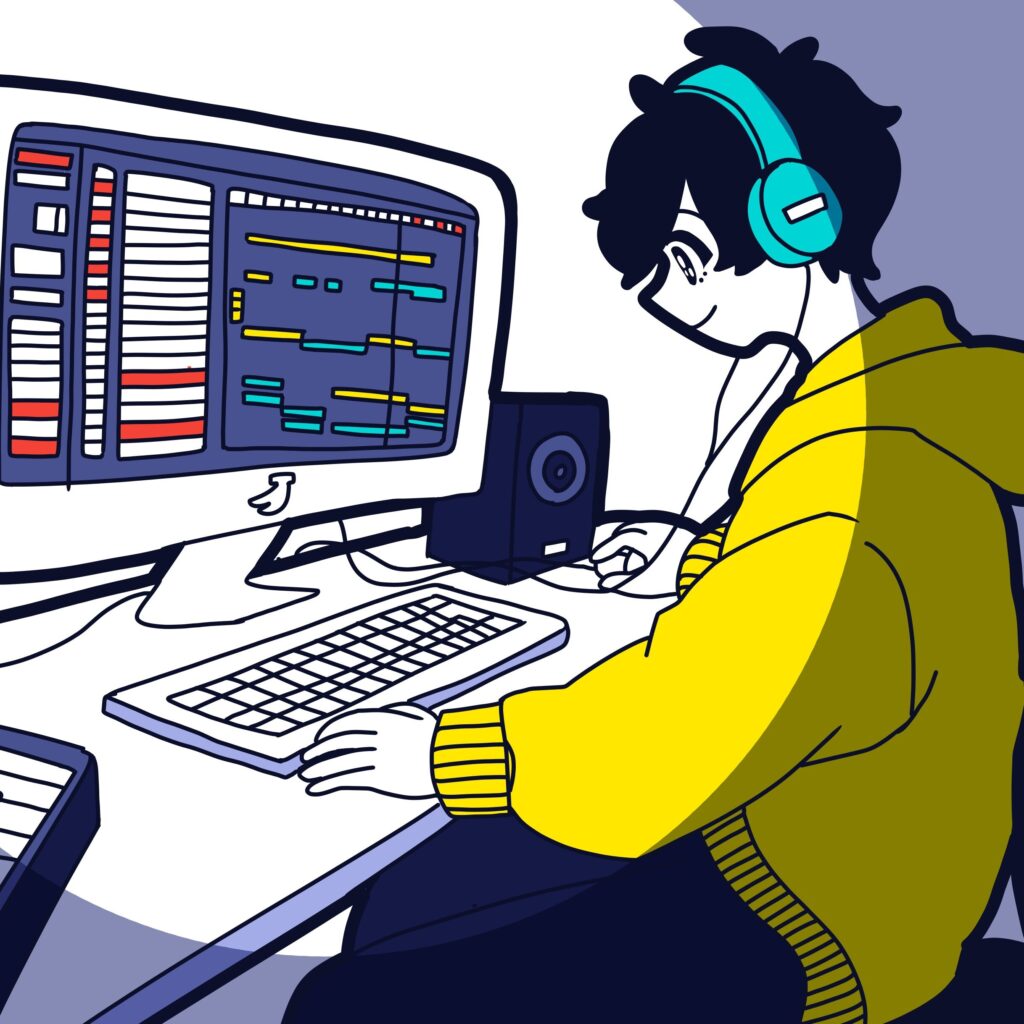
Honey Music School’s DAW Beginner Course provides one-on-one online lessons using Zoom.
By sharing your DAW screen and audio during lessons, you can learn the basic operations needed to start creating music, including creating tracks, recording, editing sounds, using instruments, basic mixing, and exporting your music.
This course is recommended for people who:
“Bought a DAW but do not know where to start”
“Do not understand how to use the basic functions”
“Cannot figure out how to make sounds”
“Want to learn recording and music programming”
“Tried learning by themselves but got stuck”
Your instructor will support you based on your computer setup, DAW software, and experience level.
【What You Can Learn in the DAW Beginner Course】
- How to understand the basic DAW screen
- How to create tracks
- The difference between audio and MIDI
- How to use virtual instruments
- How to create music with MIDI
- Basic recording with microphones and instruments
- Audio and MIDI editing
- Basic mixer operation
- How to use effects
- How to export your music
※Recommended music production equipment is introduced in this article.
02 Learn the Essential Skills to Start Music Production!
In the DAW Beginner Course, you will learn the basic operations needed for music production through a structured 4-lesson curriculum. You do not need to learn every function from the beginning.
During lessons, your instructor will check your screen and help you understand where you are having difficulties.
This course is available for Logic Pro, Ableton Live, and FL Studio.
After learning the basics of DAW operation, you can continue your music journey with our other courses: Music Theory Course for creating melodies and chords, DTM Course for arranging songs, and Vocal Mixing Course for mixing cover song videos.
【Course Curriculum】
| / | Curriculum |
| Free Trial | Counseling, setup check, mini lesson, and course guidance |
| Lesson 1 / 50 minutes | Setting up your environment for lessons / Installing your DAW / Connecting and setting up your equipment, such as an audio interface and MIDI keyboard / Understanding the DAW screen / Opening software instruments / Sound recognition quiz / Data backup and storage devices |
| Lesson 2 / 50 minutes | BPM and click tracks / How to add tracks / The difference between audio tracks and MIDI tracks / Recording with software instruments / Audio recording and adding sampled sounds |
| Lesson 3 / 50 minutes | Naming, color-coding, and duplicating tracks / Creating regions / How to use the piano roll / Understanding the grid / Adjusting quantization and velocity / Basic audio editing / Useful MIDI editor functions in each DAW / Markers |
| Lesson 4 / 50 minutes | Understanding the mixer screen / What is panning? / How to use faders / What kinds of effects are included in your DAW? / How to export audio / Unique features of each DAW / Sample rate and bit depth / Practical shortcuts often used by instructors |
| After the Curriculum | Guidance for your next course based on your goals |
- ※Lessons follow the curriculum. We may provide additional explanations depending on your environment and understanding, but we do not provide completely customized curriculums with different lesson contents.
03 You Can Record Your Lessons!
You can record your lessons using Zoom’s recording function and review them later. (PC/Mac only)
Students are responsible for recording their own lessons. You can also use a voice recorder or smartphone.
If you are worried about remembering what you learn, please feel free to ask your instructor.
※Sharing lesson recordings publicly with third parties is strictly prohibited.

04 Join Members-Only Projects!
After learning the basic skills and improving your music production knowledge, you can participate in members-only projects.
By joining music collaborations and BGM production projects, you can gain valuable experiences that are difficult to get from regular lessons alone.
【Current Projects and Activities】
- Student Collaborations
- Office BGM Collaboration
- World Sings J-POP
- Radio Program
- School Label Music Release
- Counseling Sessions
Video
-Experience Our Lessons-
Monthly fee

| Price | 1 lesson / 50 minutes |
| 1 time a month | 6,500 yen |
| 2 times a month | 13,000 yen |
| 4 times a month | 24,600 yen |
| Price/Student discount | 1 lesson / 50 minutes |
| 1 time a month | 6,180 yen |
| 2 times a month | 12,350 yen |
| 4 times a month | 23,370 yen |
- Price is in Japanese “yen”.
- No enrollment fee.
- For those who wish to take 3 lessons in a month, we offer a plan of 2 lessons + an additional 1 lesson.
- Payments are only accepted through PayPal. We will send you the PayPal URL on the 25th of each month for payment (Japan time).
- Make-up lessons must be used by the end of the month following the originally scheduled month (Japan time).
- You may adjust the number of lessons each month as needed.
Process
Form
Instructors
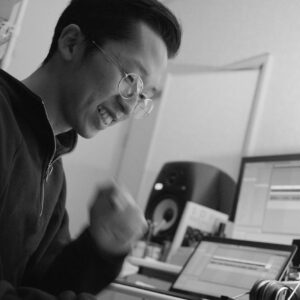
KZ Chrome
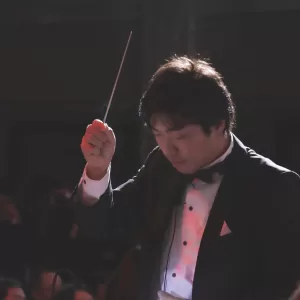
Ryuta Aoki
FAQ
There is a time difference between our countries, what time can we take lessons?
Our business time is from 10am to 10pm. So please check Japanese time in your country.
When is your holiday?
From December 30th to January 3rd in Japan time. It is new year’s holiday.
Will I have the same instructor every time?
Yes, you will be assigned a fixed instructor. If you wish to change your instructor, it is possible. However, we do not offer a new free trial lesson when changing instructors.
How do I book my lessons?
After we confirm your monthly payment, we will send you the booking page. Please note that booking is only available after payment is completed.
How can I pay the monthly fee?
We accept payment via PayPal only (credit card payment is also available through PayPal). The payment link is sent on the 25th of each month (Japan time). For the first month, the link will be sent immediately after registration.
Can I take more than one course or choose a different number of lessons than listed?
Yes, both are possible. Please pay the total amount for all selected courses. If you would like a different number of lessons than shown on the price list (for example, 5 lessons per month), we will calculate it as 4 lessons + 1 additional lesson.
Can I reschedule my lesson?
Yes, if you contact us by 6:00 p.m. (Japan time) at least 2 days before the scheduled lesson, we can reschedule it for another day.
Can I carry over my lesson to the next month?
Yes, you can carry over lessons until the end of the following month. (Example: Lessons for December can be carried over until the end of January.)
Are there any opportunities to share what I learned in lessons?
Yes! At Honey Music School, we offer activities like joining FM radio shows, contributing to background music for shops and offices, and music collaboration projects with other students.
Can I take lessons even if I don’t speak Japanese?
Yes, you can! However, for some language-related courses such as the Lyrics Course, a certain level of Japanese may be required. Please check the course page for more details.
Are the instructors native Japanese speakers?
Yes, all of our instructors are native Japanese speakers.
What do I need to start DTM (Desktop Music)?
You will need a computer, DAW (Digital Audio Workstation) software, an audio interface, a MIDI keyboard, and headphones or speakers.
Which is better for DTM: Mac or Windows?
Both work well for DTM. It depends on your preferred DAW software, ease of use, and budget. We’ll help you choose what suits you best.
Do I need a MIDI keyboard?
It’s not required, but highly recommended! It makes composing faster and more intuitive. You can still work using only a mouse if needed.
Can I learn from the very basics, as a beginner?
Yes! We teach everything from how to use the software and create MIDI, to making chord progressions. We also offer other courses that focus on each topic, so feel free to ask us what’s best for you.
Do you support students who want to apply for song contests or auditions?
Yes. We regularly share information about BGM opportunities for stores and offices, as well as song submission events.