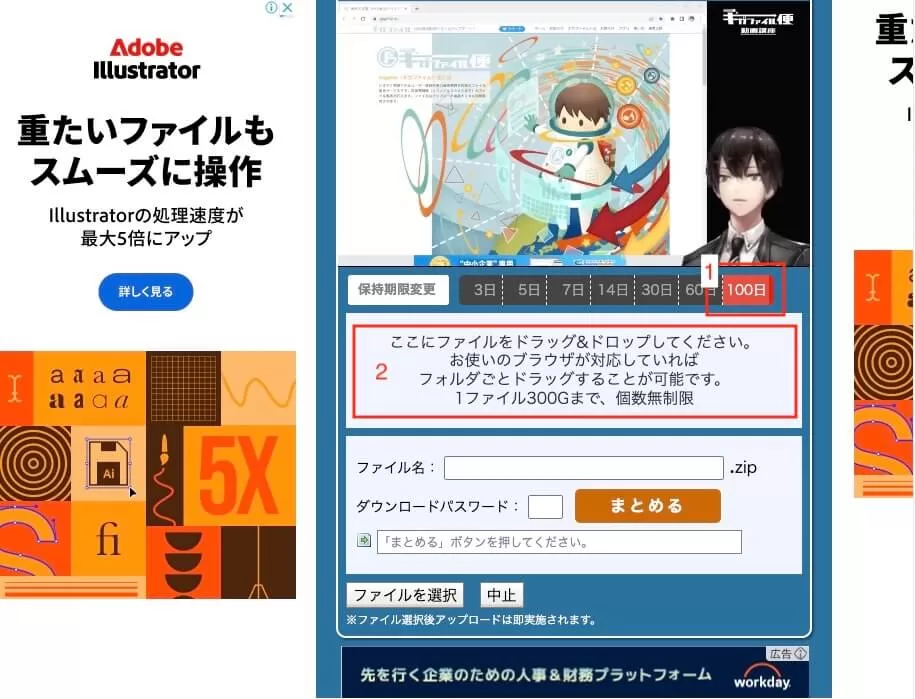
In this guide, we’ll show you how to download data sent via GigaFile, a popular file-sharing service in Japan.
If you’re looking for how to upload files to GigaFile, please refer to [this article].
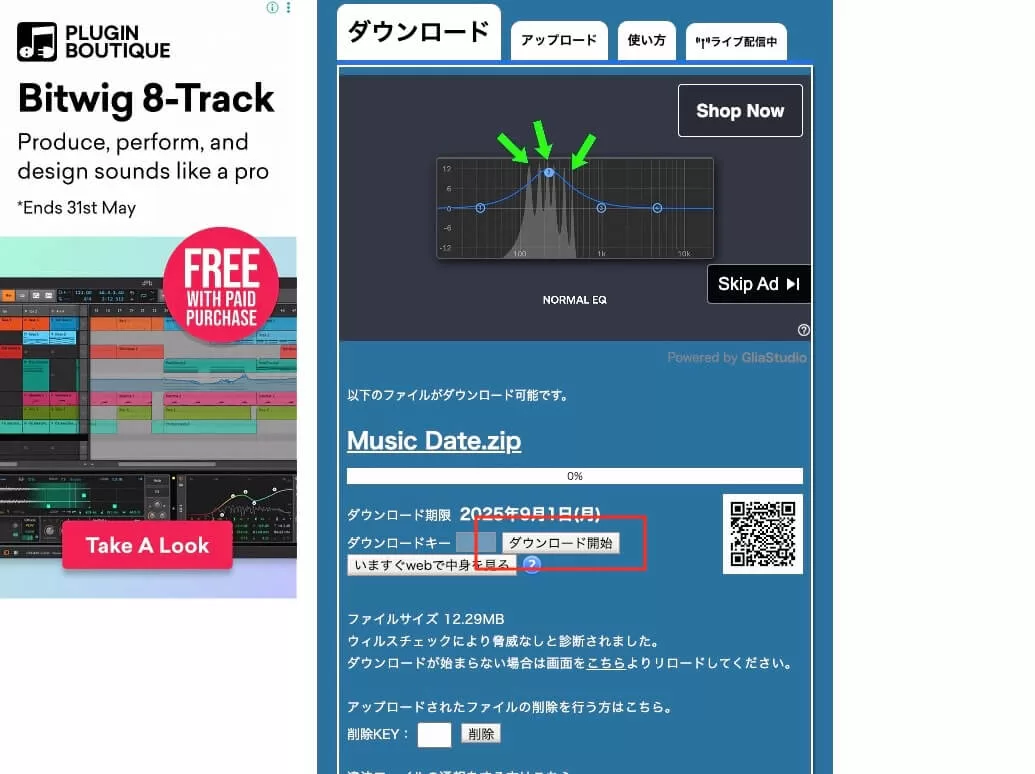
Step 1: Open the URL

Click the URL you received by email or message to open it in your web browser.
Step 2: Download the File
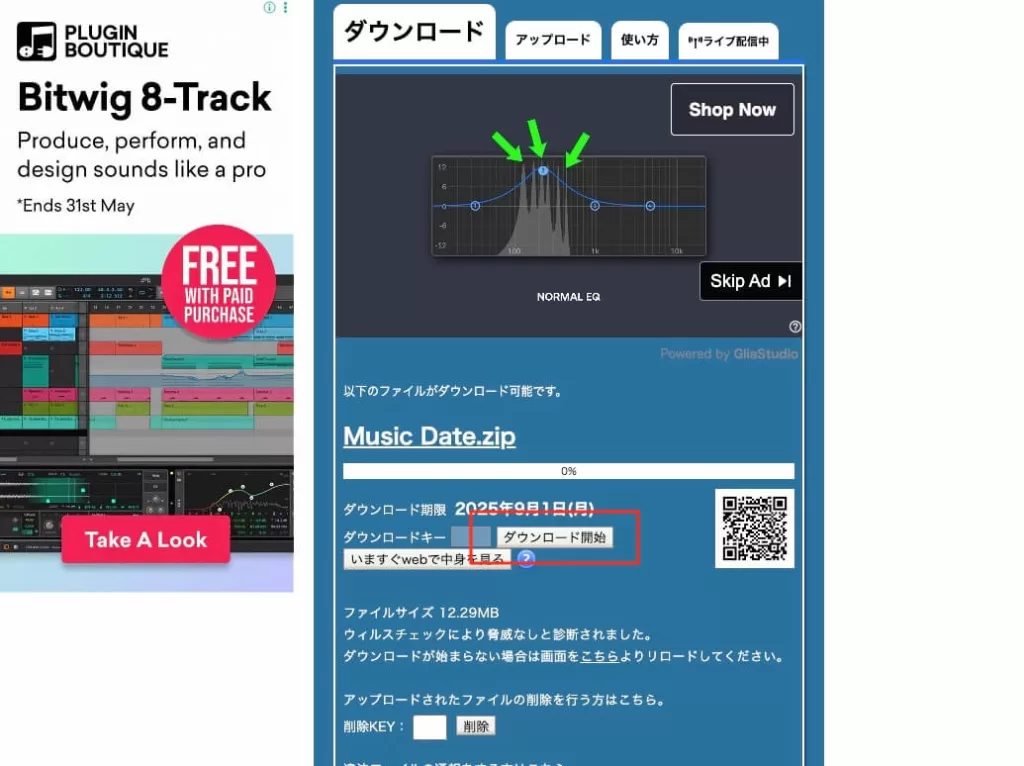
Scroll down the page until you find the download button. Click the button to begin downloading.
If you received a ZIP file, double-click it after downloading to extract the contents.
Additional Resources


Honey Music School provides you Online Lessons for Voice Training, Pronunciation for Japanese Song Lyrics, Music Production, Japanese for Travel and Business. All lessons are in English by Native Japanese Instructors! Lessons are available remotely from anywhere around the World!